Saved payment methods
What is saved payment methods?
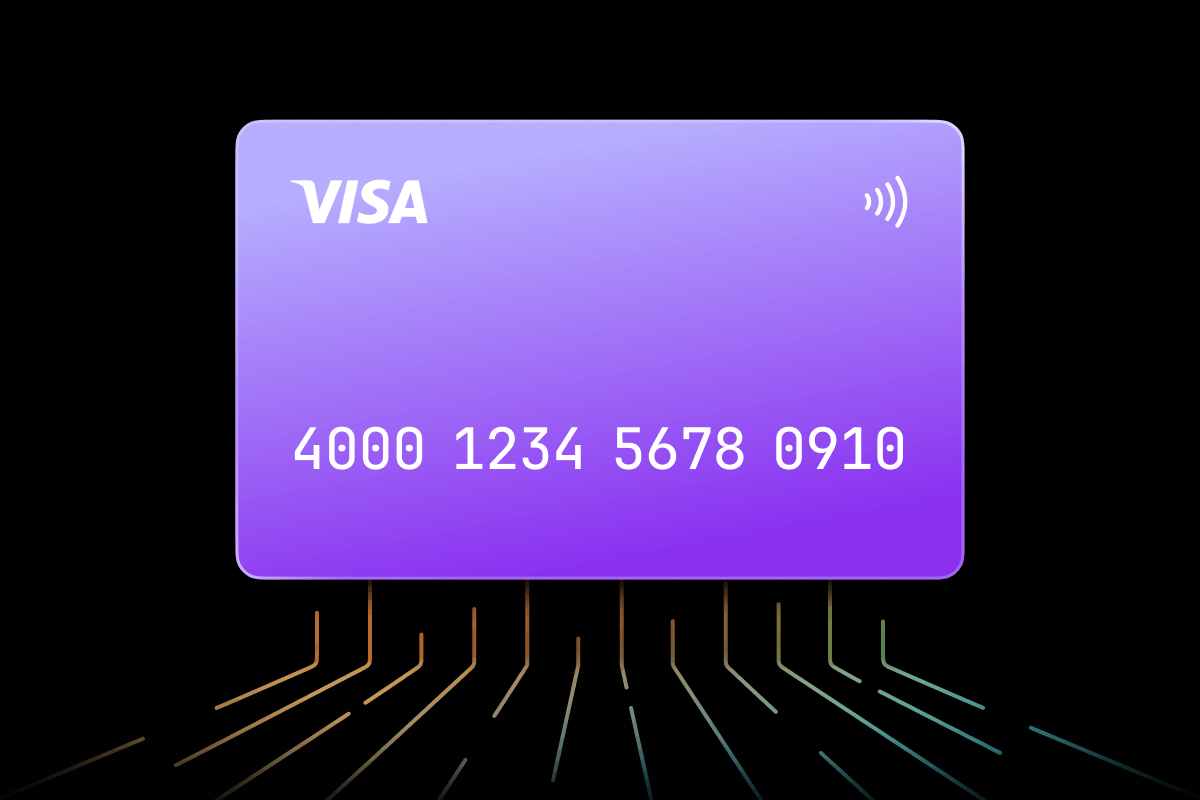
Saved payment methods are the payment options – cards, digital wallets, and sometimes bank-linked methods – a customer stores in an account so they can select one at checkout instead of entering payment details every time. This is not the same as , which refers specifically to a stored card credential a merchant charges on the network side; card-on-file is the mechanism behind one entry in a customer's saved payment methods.
Merchants surface saved payment methods on an account or checkout settings screen, where a customer can add a new option, remove an old one, or set a default. The list can mix payment types – a card alongside a linked – which is what makes possible regardless of which payment type the customer picks.
Key facts
- Also known as: stored payment methods, payment methods on file
- Not to be confused with: , the specific card-storage mechanism behind one saved method
- Can include: cards, digital wallets, and some bank-linked payment methods
- Managed by: the customer, through an account or checkout settings screen (add, remove, set default)
- Powers: one-click checkout, recurring billing, guest-to-account conversion
What it does
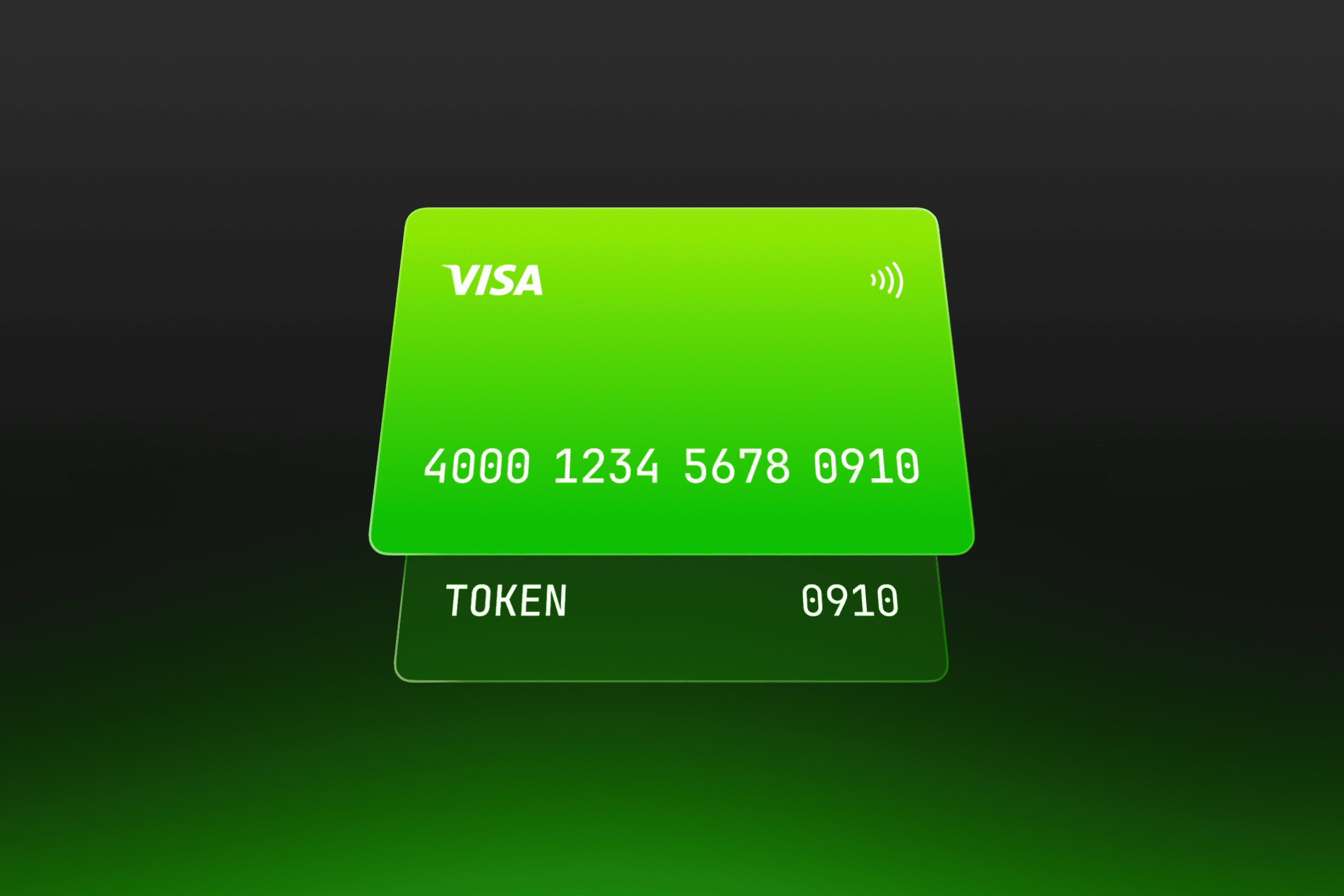
Each entry in a customer's saved payment methods is backed by a different storage mechanism depending on its type. A saved card is stored as a card-on-file token; a saved wallet stores the wallet provider's own reference. The account screen is the customer-facing layer over these mechanisms – it doesn't store raw card numbers itself, it lists the tokens and lets the customer manage them as a set.
Why it matters
A saved payment methods list lets a returning customer pick an option in one step instead of re-entering card or wallet details, which is what makes fast repeat checkout possible. It also gives the customer visibility they wouldn't otherwise have: without a place to see and remove old entries, an expired or replaced card stays selectable and fails at the next attempt.
Common issues
- Stale entries. A card that's expired or been reissued still shows in the list until the customer removes it or the underlying token is refreshed, which can cause a declined attempt if it's still set as the default.
- Too many saved options. A long list of saved methods can make the default unclear, especially after a customer adds a new card without removing the old one.
- Type-specific limits. Not every payment type can be saved the same way – some can be stored for reuse, while others require re-authentication on every checkout.